Documentation
Getting Started
Installation and Access
Network Configuration
Verification and Maintenance
Verifying Site-to-Site Connectivity: Three-Step Acceptance
This page accepts the installation in three steps: check the status, then ping, then open the business system.
- The gateways at both sites have joined the network.
- Both sides have a subnet proxy configured.
- Both access control directions are selected.
Steps
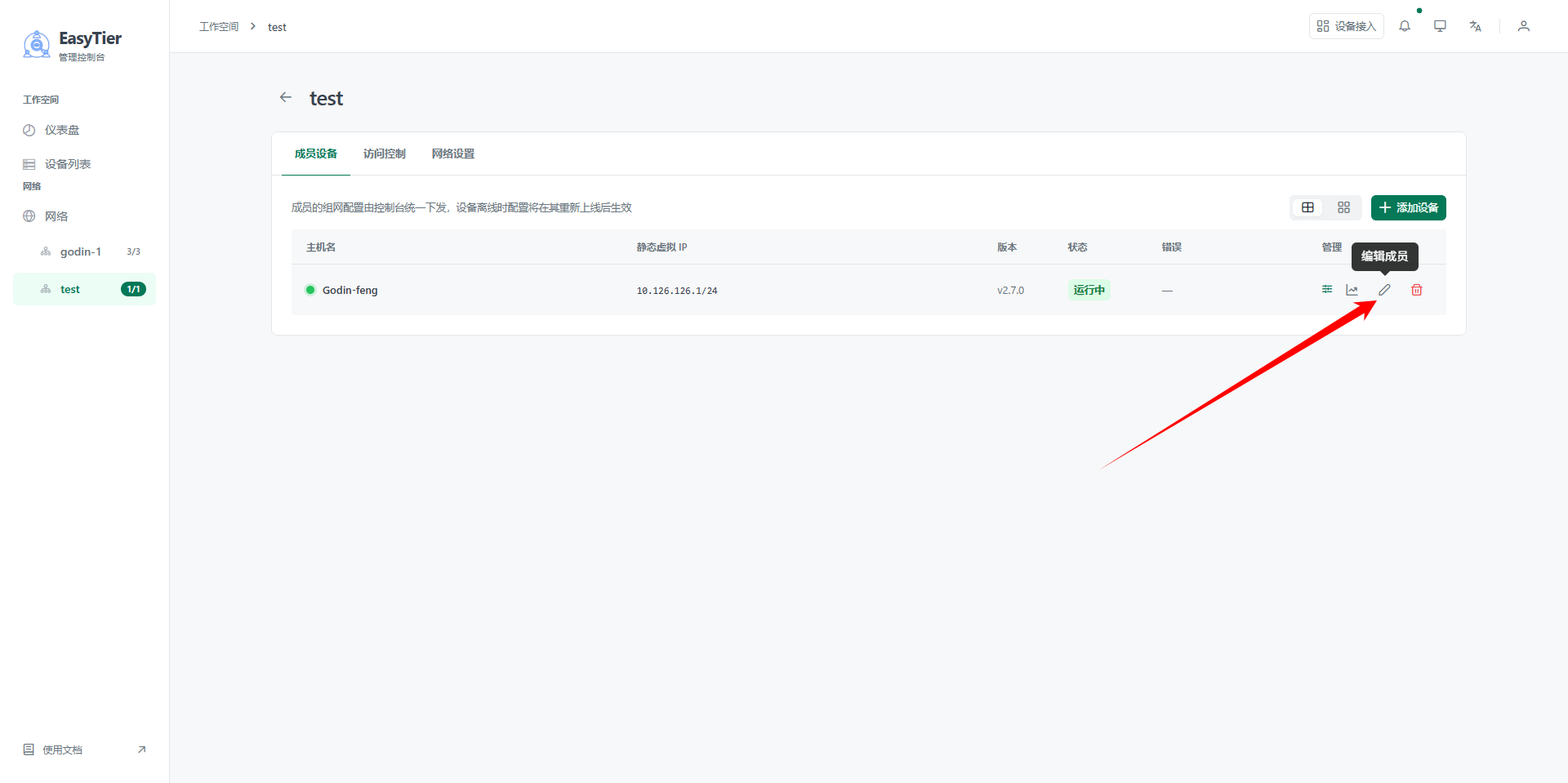
Step 1 — Confirm everything is online
Click 设备(Devices) on the platform, or open 成员设备(Member devices) inside the network.
Every gateway should have the status 在线(Online).
Step 2 — Ping the peer's internal IP
On a computer at site A, press Win + R, type cmd, and press Enter.
Run:
ping 192.168.2.100
Replace 192.168.2.100 with the real internal IP at the peer site.
For example, the peer is a POS terminal.
| Result | Meaning | Next |
|---|---|---|
| Replies, latency of tens of milliseconds | Layer 3 is working | Do step 3 |
| Request timed out | The tunnel or the subnet proxy is not working | Sites cannot reach each other |
| Destination host unreachable | Wrong IP, or the local gateway is wrong | Check the IP and the subnet |
Ping from site A to site B, then ping back the other way. Acceptance passes only when both directions work.
Step 3 — Open the peer's business system
Access the business system at the peer site.
For example the POS back office or the NVR web page.
Ping only proves layer 3. A blocked port or a service that is not running still fails to open.
Acceptance checklist
- Every site's gateway status is 在线(Online)
- Ping works in both directions
- Every site has a subnet proxy configured
- Both access control directions are selected
- The peer's business page opens
Acceptance record to copy
Project name:
Acceptance date:
Site A: gateway status ____ / ping peer □ ok □ fail / business page □ opens
Site B: gateway status ____ / ping peer □ ok □ fail / business page □ opens
Subnet proxy: □ configured □ not configured
Access control: □ both directions □ one direction only
Accepted by:
Next → Network optimization
Was this page helpful?A one-line note helps us make these steps more accurate.